
Ananya RaoREEL / COBALT
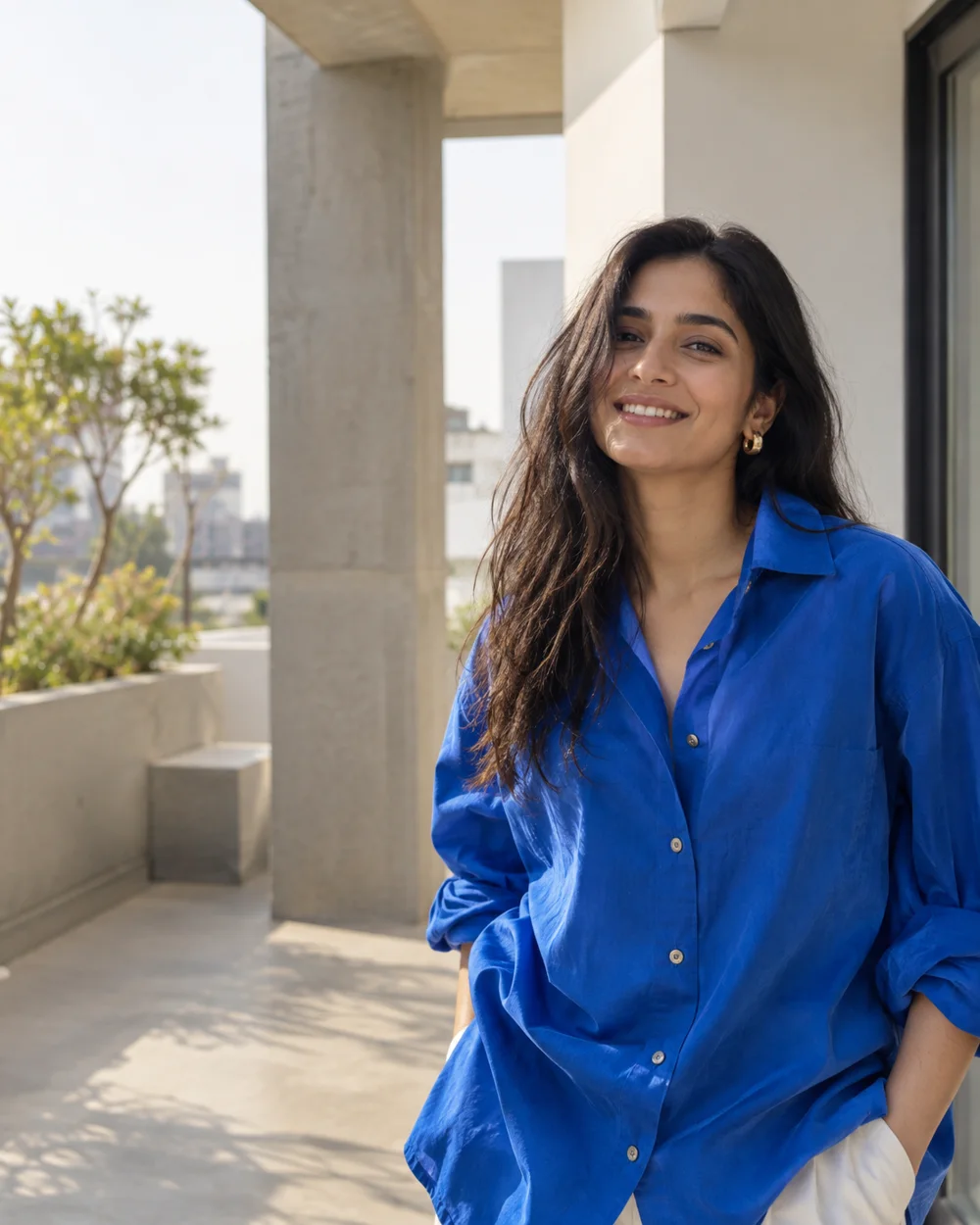
Food & diningGood food.
Good food.
Local stories.
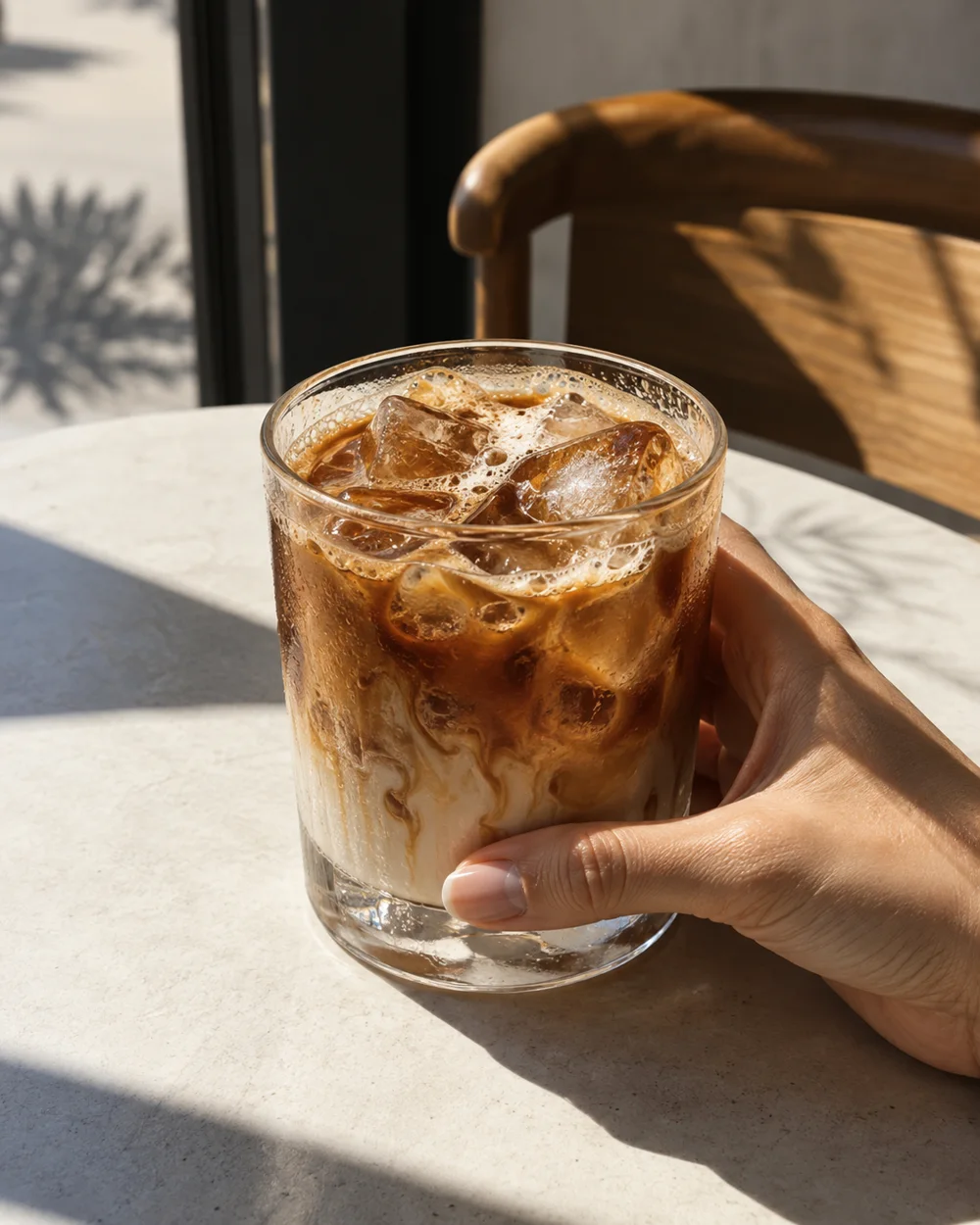

Café stories · Local discoveries
For creators Early access
Show your work. Share your style.
Make your next collaboration happen.
Fashion2 / 3
Creator page previews
Opens Ananya’s fictional food creator example in a new tab. Example edits aren’t saved.YOUR CONTENT. YOUR COMBINATION.
A story here. A project there.
Pick the pieces. Watch your page take shape.
Try adding a section. Your sample updates here.
View your sampleFive optional sections. Enquiries stay built in.
Try adding a section. Your sample updates here.
ANANYA RAOFood & dining · BengaluruA little curiosity. A local point of view.
SELECTED WORK
WAYS TO WORK TOGETHER
One short video, three story frames and a local point of view.
Two edited videos, made around your brief.
THE PERSON BEHIND THE POSTS
I tell stories about neighbourhood cafés, independent shops and the little places worth finding.
Warm, detailed and a little curious. That’s my kind of story.
BUILT-IN ENQUIRY · ALWAYS INCLUDED
Tell me a little about your project.
Form preview only. Nothing is sent.
Opens Ananya’s original Reel example. Your choices here don’t carry over.
ILLUSTRATIVE CREATOR EXAMPLES
Your content sets the tone.
Three disciplines. Three possibilities.
Café stories · Local discoveries
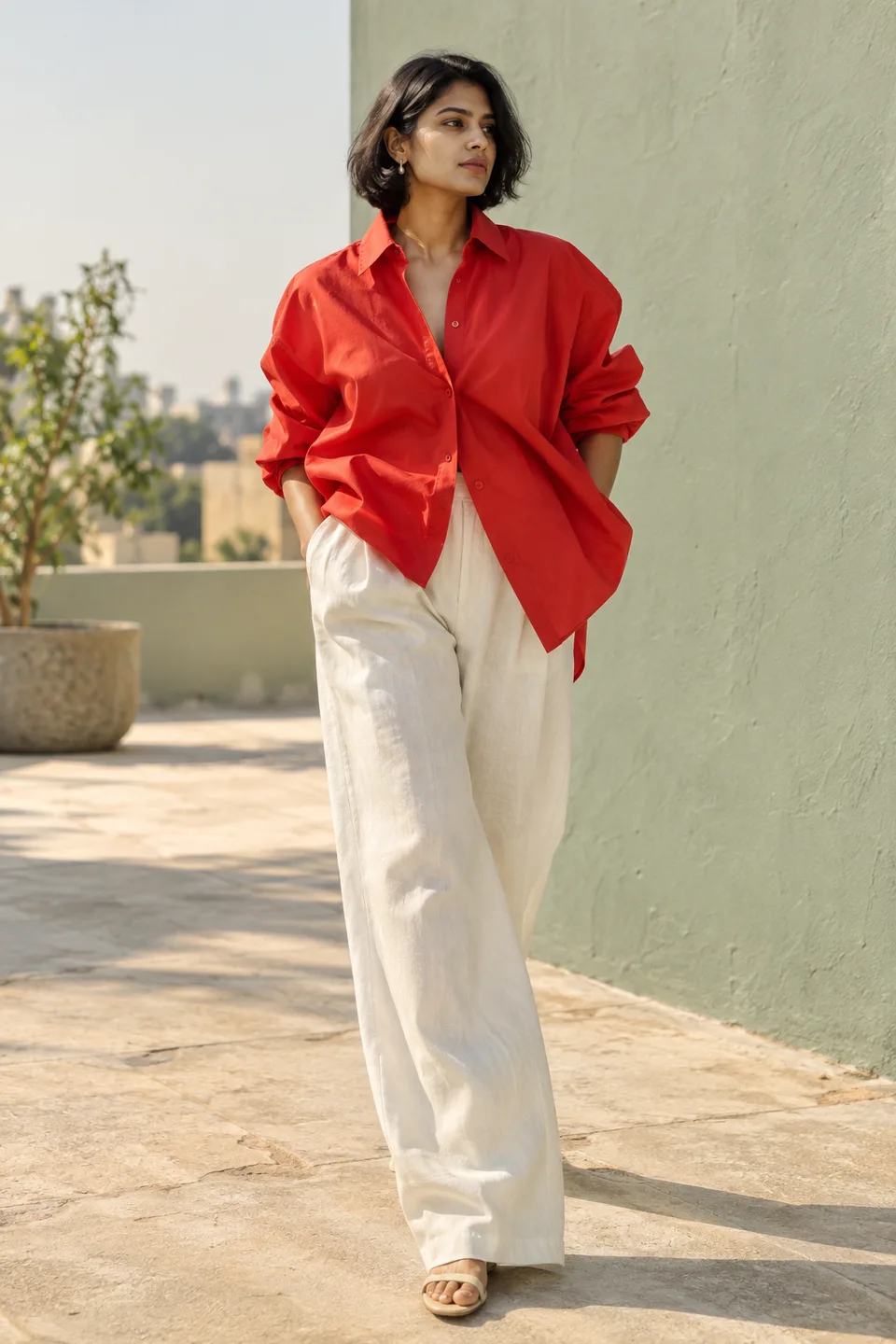
Style edits · Editorial concepts
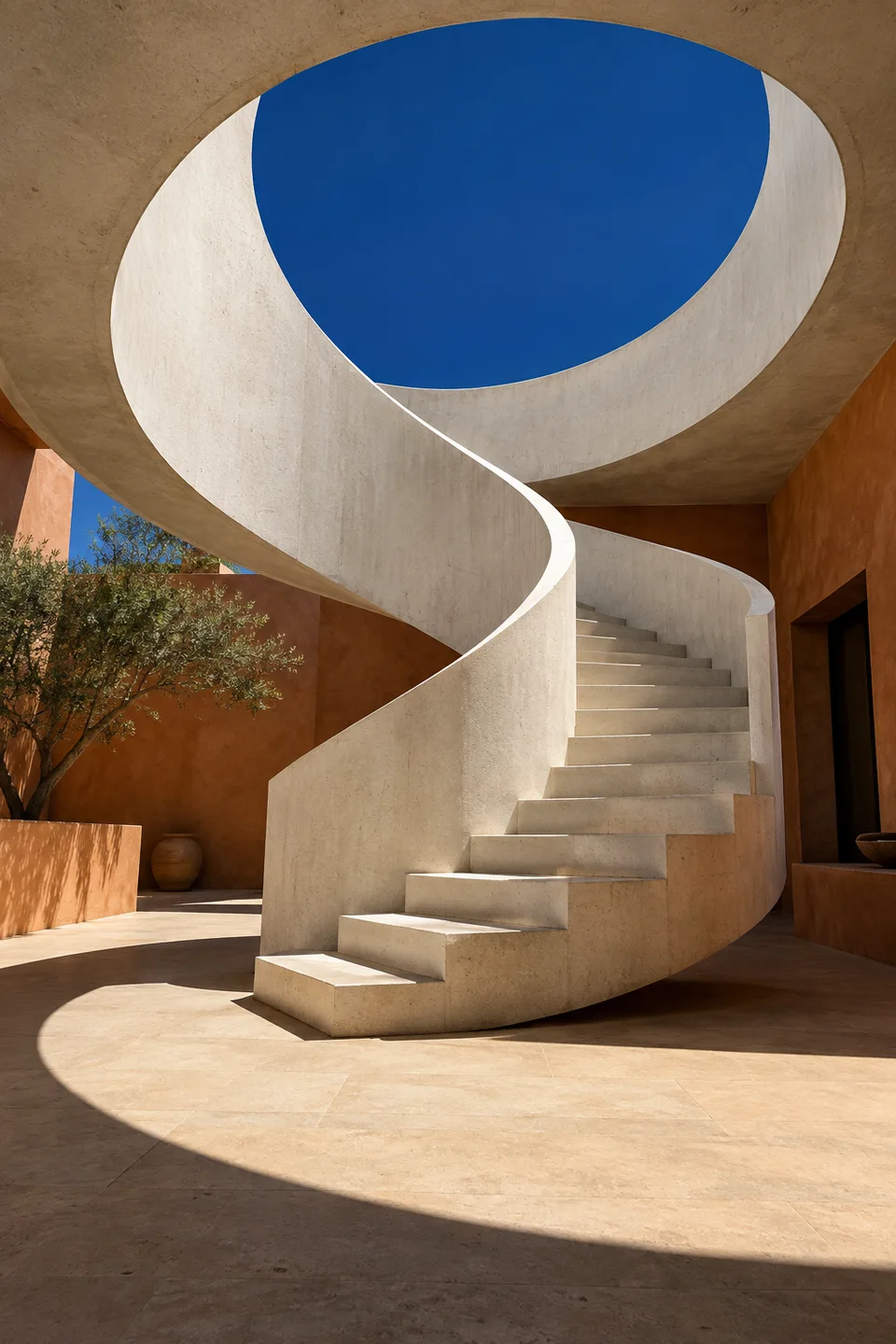
Light studies · Spaces & details
Fictional profiles with illustrative work; fashion and architecture images are AI-generated. Explore links open the selected layout with Ananya’s sample content, not these personas. Example edits aren’t saved.
FROM “HERE’S MY WORK” TO “LET’S TALK”
Add your story, work and services. Choose your look, preview it, then publish.
Prepare a WhatsApp pitch, copy your page link or download a QR code. You decide when to send.
Brands send a brief from your published page. Read and manage it in your creator inbox.
Check your studio inbox for new enquiries. Email notifications aren’t active yet.
A FEW USEFUL DETAILS
We’re in early access.
Here’s what to expect.
Create a portfolio with your introduction, selected work, services and FAQs. Choose Canvas, Spotlight or Reel, preview your page, publish a link and receive enquiries in your studio inbox.
Start creating as a guest, then sign in with Google or an email code to save to your account and publish. Visitors can browse a published page without signing in. The fictional example remains separate; example edits aren’t saved.
Your page name is checked and claimed when you first publish. Each name can belong to one creator. Saving a draft doesn’t reserve it; if someone has already claimed your choice, you’ll need another. Your page name stays fixed after publication so shared links keep working.
Social-account connections, automatic follower updates and email notifications aren’t active yet. Check your studio inbox for enquiries. The portfolio tool does not guarantee brand deals or earnings.
No. Ananya Rao, Mira Sen and Dev Shah are fictional illustrations. Their images, work and profile details are sample content; the fashion and architecture images are AI-generated. Gallery links open the real layout editor with Ananya’s sample, not the gallery personas. The demo enquiry form does not send or save messages.
Read the creator app’s Privacy & data information before adding your details. Account and data controls live in Creator Studio.
YOUR NAME ON TUNK ENVOXA
Each page name belongs to one creator.
Choose an available name and publish to claim it. Drafts don’t reserve names.
Sign in with Google or an email code to publish.